
TourTask
FunktionerPriserDemo
Skapa konto
TourTask

Allt-i-ett-plattformen för att driva, automatisera och växa din turverksamhet.

Produkt
FunktionerPriserBoka en demo
Resurser
DokumentationBetalningsgatewaysOnlineresebyråer
Företag
KontaktIntegritetspolicy

© 2026 TourTask. All rights reserved.

  1. Hem
  2. Dokumentation
  3. How to create a tour

DokumentationKontakt
getting-started
  • Getting started with TourTask
how-to
  • How to create a tour

How to create a tour

Creating a tour in TourTask takes just a few minutes. This guide walks you through every step, from the basics to publishing it on your storefront.
Before you start

Make sure your business details and operating currency are set under Settings — the tour inherits them.

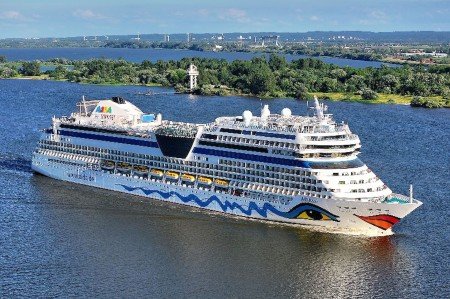
A published tour, ready to sell on your storefront.

The steps

  1. 1

    Open the Tours page

    Go to Tours in the main menu and click New tour.

  2. 2

    Add the basics

    Enter the tour name, a short description, and the duration.

  3. 3

    Set pricing

    Choose your price per person and any seasonal adjustments.

  4. 4

    Publish

    Click Publish to make the tour bookable on your storefront and channels.


That's it — your tour is live. Next, see the payment methods guide to choose how you get paid.

På den här sidan
  • The steps